Draft
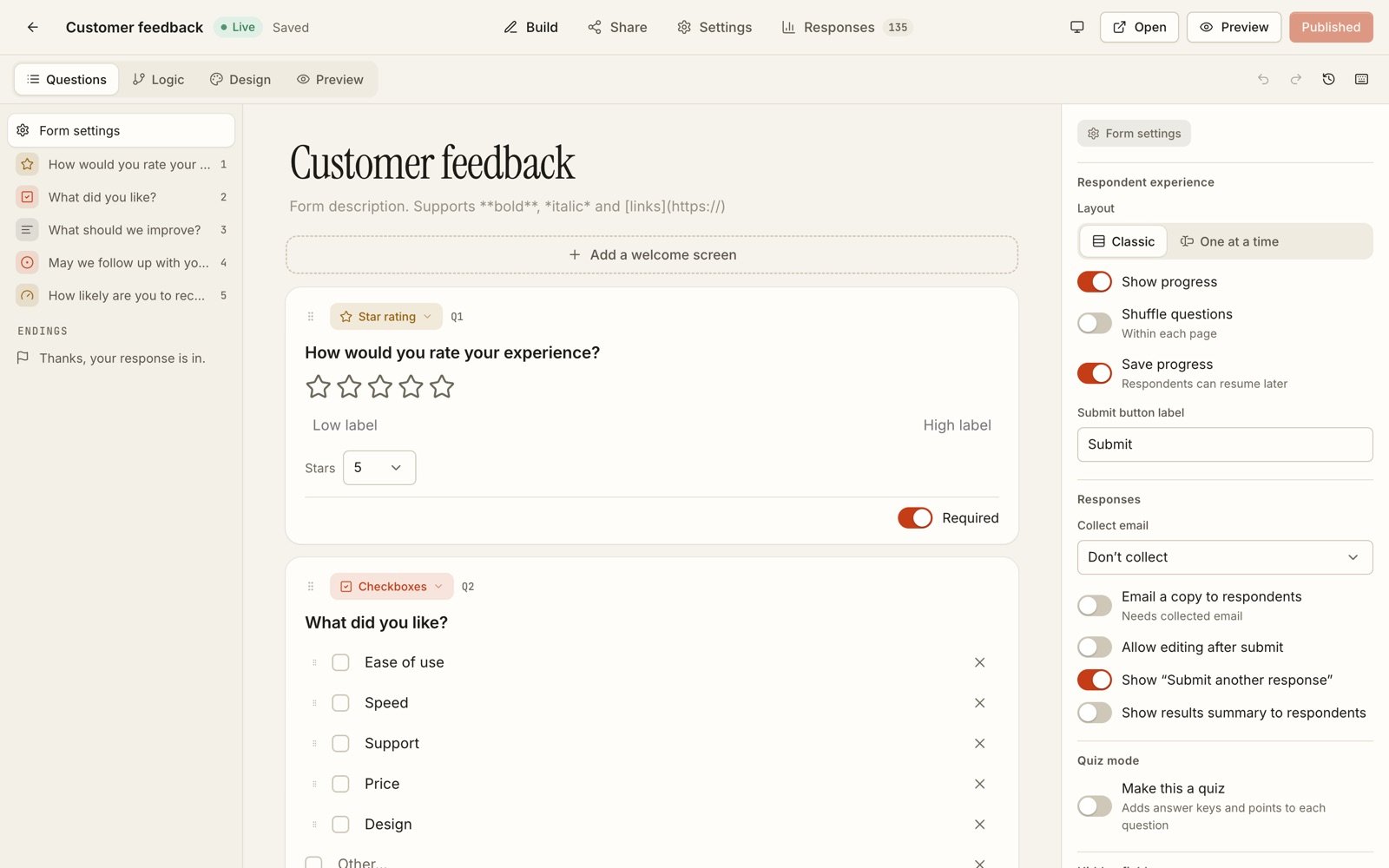
Build in the editor. Questions, pages, logic, endings and theme save to the draft as you go. Nothing you change here reaches respondents.
Form builder
Formwork keeps a draft and a published version of every form. Edit as much as you like; the answers people already gave stay attached to the questions they actually saw.
Free plan, no cardEmail or KingsChat sign-in

 The real app, with demo data
 The idea
Most form tools change the live form in place. Reword a question after people have answered it and the old answers no longer match what they were asked.
Formwork separates the two. You edit a draft; publishing freezes a version; every response points at the version it was answered on.
Rewrite questions, add pages, rebuild the logic. The live form keeps collecting until you press Publish.
Each publish is a snapshot you can list and restore. A reworded question is still the same question, so history stays readable.
Open and close dates, response limits, passwords and the closed message are live settings. They take effect on the next request, no publish needed.
How it works
Three steps, and the middle one is the one other tools skip.
Build in the editor. Questions, pages, logic, endings and theme save to the draft as you go. Nothing you change here reaches respondents.
Publishing checks the draft, then saves it as a new immutable version. Answers collected on it stay valid however the draft changes afterwards.

Share the link, embed the form or print its QR code. Read the summary, find the question people abandon, export when you need the data elsewhere.
What sets it apart
Drafts and versions
Publishing freezes a version. The draft is yours to change while responses stay tied to the version they were answered on.
Logic
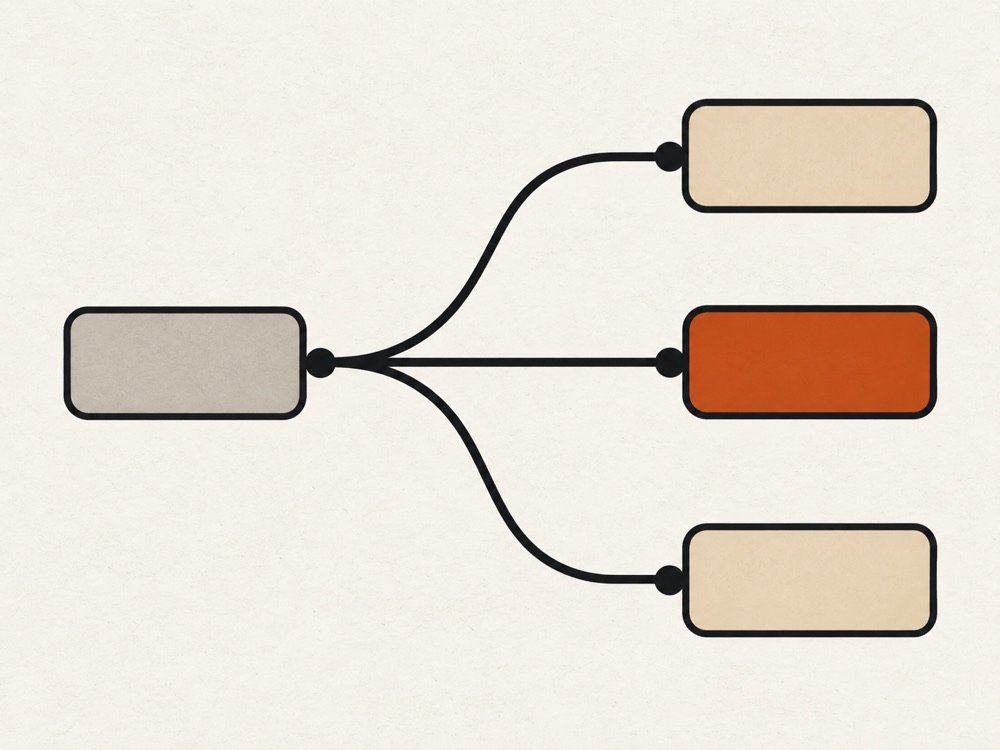
Show or hide any question, route between pages and endings, disqualify, pipe answers into later text and calculate values. The same rules run in the browser and on the server.
Save and resume
Answers are stored as people go. They return on the same device, or through a resume link sent by email, and carry on from the page they left.
Analytics
Completion rate, median time and a views, starts, submits funnel, plus drop-off for every question in plain language.

Quiz mode
Points per question, answer keys, partial credit and manual grading. Release scores at once or when you decide. Optional timer and retries.
Webhooks and API
Signed webhooks with retries and a delivery log, and a REST API with read or write keys.
POST https://your-app.example/hook
X-Formwork-Event: response.submitted
X-Formwork-Signature: sha256=…

GET /api/v1/forms
Authorization: Bearer fwk_…Themes
Six built-in themes, your own saved themes, fonts, corner radius and button style, with a phone preview before you publish.
Sign-in
Create an account or log in with KingsChat, an email and password, or a magic link. Two-factor authentication with recovery codes is available on every account.

Your data
Practical controls rather than a badge.
In the product
Build
Click any question to edit it in place. Layout, progress, email collection and quiz mode live in the side panel, and the live form is untouched until you publish.
Logic
Every question has a “Show only if…” rule, and page routes decide where people go next. The path map on the right redraws as you edit.

Results
The insights tab reads the funnel for you: how many people started, how many finished, and which question they abandoned.

Design
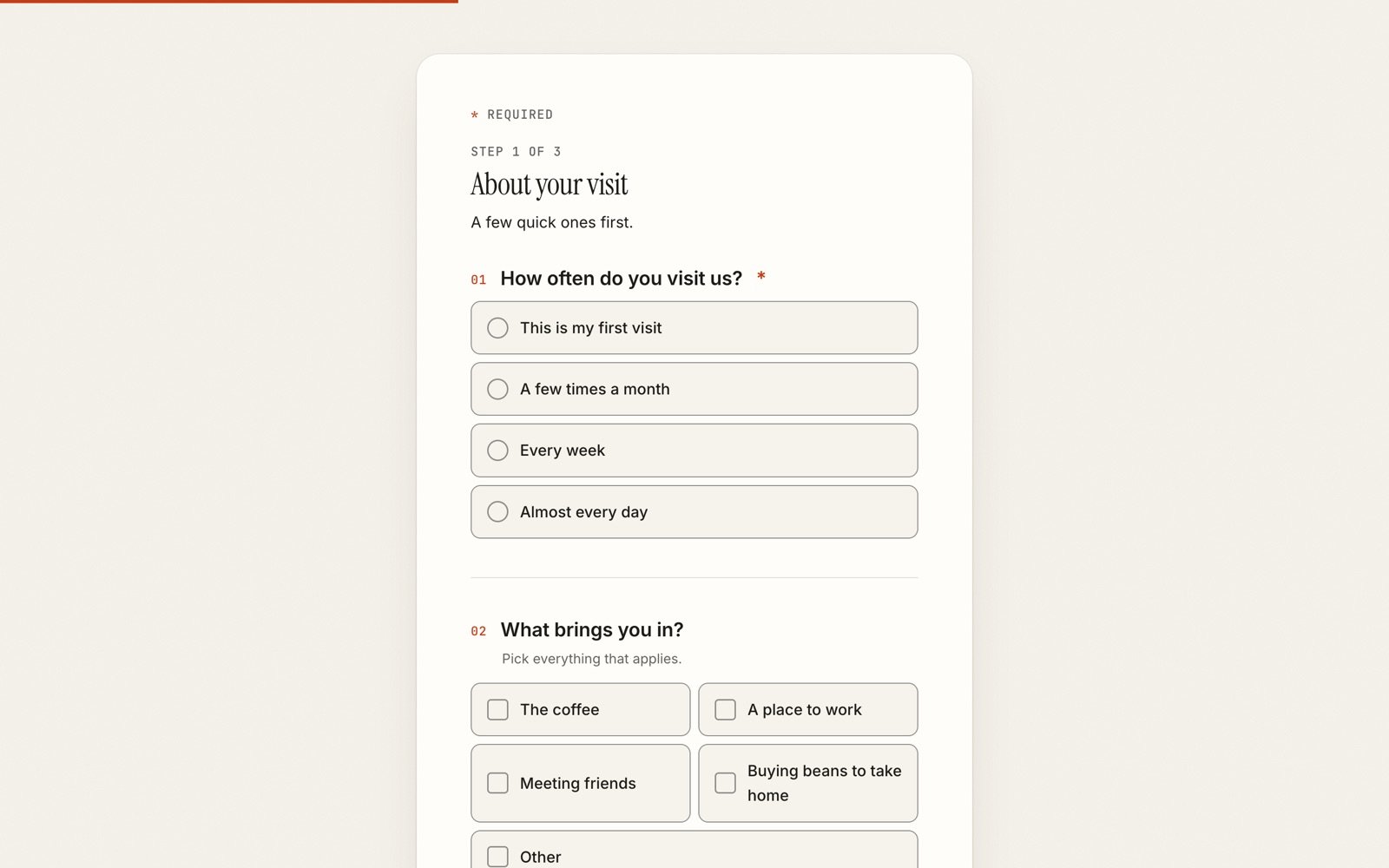
Pick a preset or tune the colours, fonts, corners and buttons yourself, and check both the desktop and phone layout before you publish.

Compared honestly
Short answers taken from each vendor’s own pages. Every full comparison also says where the other tool is the better pick.
| Formwork | Google Forms | Tally | Typeform | |
|---|---|---|---|---|
| Drafts and versions | Every form starts as a draft. Publishing saves an immutable version, and each response stays tied to the version it answered. You can diff and restore. | Forms are published once and later edits reach the live form. If an owner deletes a question or changes an option, respondents' saved drafts lose that answer. | Versions are saved automatically as you edit: 7 days on Free, 30 on Pro, 90 on Business. Restoring one does not change the live form until you publish. | The pricing page lists no version history or draft feature, so we could not verify how Typeform handles either. |
| Save and resume | Respondents get a server-side draft with a resume link and a same-browser cookie, no account needed. Drafts are kept 30 days. Owners can list or purge unfinished responses. On every plan. | Signed-in respondents get an autosaved draft for 30 days, found by reopening the form in the same Google account. Owners can switch it off, and it does not work offline. | Answers can be saved in the respondent's own browser only; they do not show in another browser or in incognito. Owners see partial submissions on Pro. | Paid plans collect partial responses for the owner: 1 submit point on Basic and Plus, 3 on Business. For forms with logic or scoring, the page says a Growth plan is needed. |
| Webhooks and API | Signed webhooks (HMAC) with up to six attempts, a delivery log and replay: 3 endpoints on Pro, 25 on Team. REST API with scoped keys: read on Pro, read and write on Team. | The Forms API can create forms, read responses and set up watches for push notifications. | Webhooks and the API are free for every user, with signing secrets and a limit of 100 API requests a minute. | Webhooks and the API are listed on every paid plan. |
| Themes and branding | Free has 2 theme presets. Pro adds full colours, fonts, cover, logo and badge removal; Team adds custom CSS. There are no custom domains yet. | Theme colours and fonts can be changed, and an organisation-branded theme appears if the Workspace admin makes one available. | Free forms carry Tally branding. Pro removes it and adds custom CSS, custom domains, link-preview control and advanced design options. | Premium themes, brand kit, custom subdomain and Typeform branding removal start on Plus. Custom fonts and a custom domain are Enterprise only. |
Checked against each vendor's own pages on September 30, 2026. Plans change; each comparison lists its sources. Formwork limits quoted here are the default plan values, the pricing page has the current ones.
Read the full comparisonsTemplates
Contact forms, feedback, event sign-ups, quizzes and applications. Use one, then change any part of it.
Name, email, message. The one every site needs.
Satisfaction score, what worked, what did not.
The standard 0 to 10 question with a follow-up.
Attendees, meal choice, accessibility needs.
Scored questions with feedback on every answer.
Yes or no, with a plus-one and a note.
Pricing
The Free plan has no time limit. Paid plans add logic, uploads, deeper analytics and teams. These cards read the live plans.
Real forms, drafts and save-and-resume. No card.
Logic, uploads and the full results toolkit.
14 days to try it, no card needed
For teams that build and review forms together.
14 days to try it, no card needed
Custom limits, a named contact and invoiced billing.
Changelog
Nothing. You edit the draft, and when you publish, Formwork saves a new version. Every response stays attached to the version it was answered on, and results and exports read each answer against that version's questions. A reworded question never rewrites history.
Yes. With Save progress on, answers are stored as people go. They can return on the same browser or ask for a resume link by email. Drafts that nobody resumes are deleted after 30 days.
No, unless you decide so. You can require sign-in, add a password, allow one response per account or per device, and set open and close dates. Which of those controls your plan includes is on the pricing page.
Real forms with drafts, autosave and save and resume, within limits on live forms and monthly responses. The exact numbers change with the plan, so they live on the pricing page rather than here.
Yes. CSV export is on every plan, Excel and JSON are on paid plans, and there is a REST API for scripts. You can also download the data tied to your account and delete the account from its settings.
In the database and file storage of the server this copy of Formwork runs on. Uploaded files sit outside the public web root and are only served through the application. The security page lists the rest.
With KingsChat, an email and password, or a magic link sent to your inbox. Two-factor authentication is available on every account.
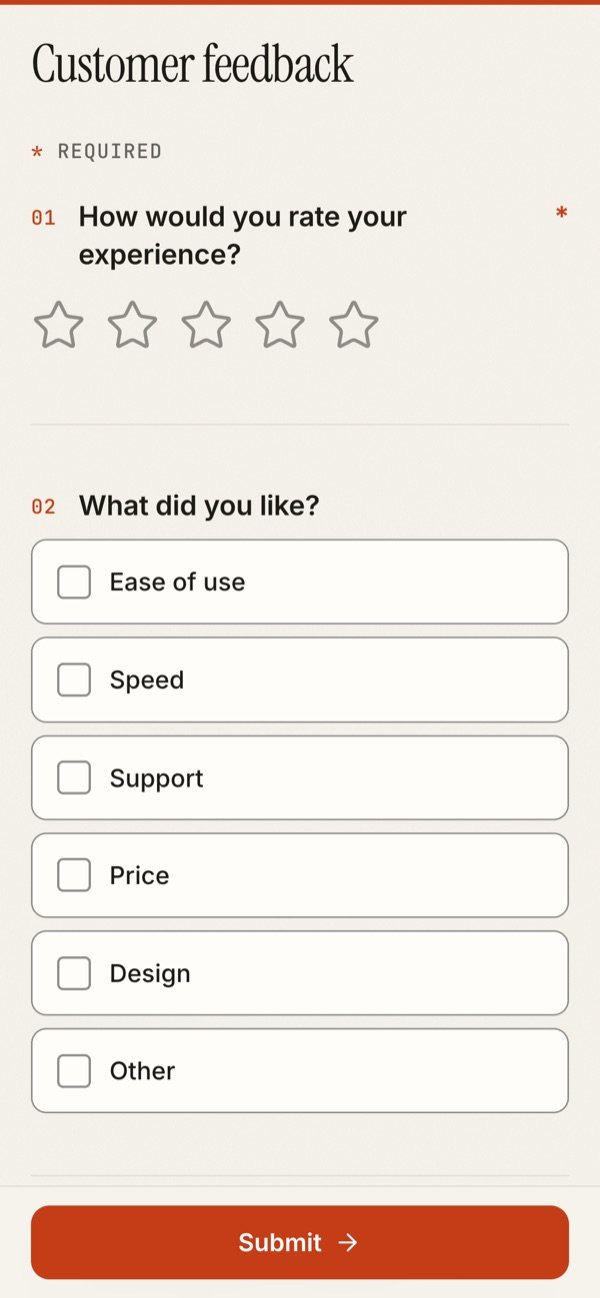
Yes. Forms are one column with large tap targets, and the design tab previews the phone layout before you publish.
Yes. The REST API uses bearer keys with read or write scope, and webhooks post each submitted response to your endpoint with a signature you can verify. Start with the API docs.
Start on the free plan, pick a template or begin from a blank page, and publish when it reads the way you want.